
Autel MaxiCOM MK906PRO is an advanced wireless diagnostic tool which is updated from MS906TS, MS906BT, MS906PRO and MK908. It’s available with multi-language, supports online&offline ecu coding, all systems access& active test and 36+ hot service functions for 99% brands in the market (covers the most recent vehicle models in 2022 as well).
Autel MK906 PRO unboxing video:
Autel MK906PRO vs. MK906BT vs. MS906PRO:
| Item | MK906BT | MS906PRO | MK906PRO | |
| Image | 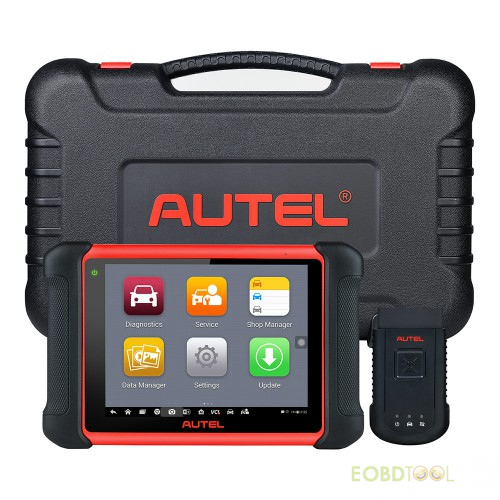 | 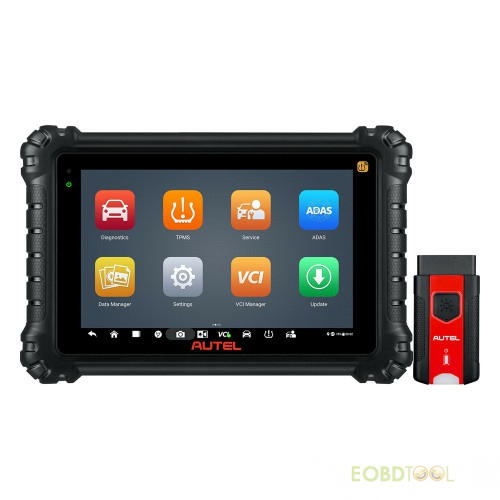 | 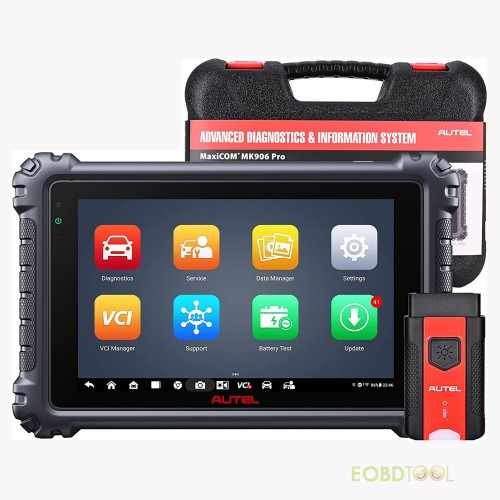 | |
| Firmware | Year of Production | 2020 | 2021 | 2022 |
| CPU | Exynox 5260 | Exynox 8895 | Qualcomm 660 | |
| RAM | 2G | 4G | 4G | |
| ROM | 64G | 128G | 128G | |
| Battery Capacity | 10000mAh | 11600mAh | 11600mAh | |
| Android Version | Android 4.4.4 | Android 7.0 | Android 10.0 | |
| Screen Size | 8inch | 8inch | 8inch | |
| Screen Resolution | 1024*600 | 1920*1200 | 1920*1200 | |
| Wi-Fi | 2.4 & 5 GHz | 2.4 & 5 GHz | 2.4 & 5 GHz | |
| Camera | 8.0 Megapixel | Rear 16.0 Megapixel,Front 5.0 Megapixel | 16M + 16M | |
| Weight | 1.02kg | 0.92kg | 0.90kg | |
| VCI | V100 | V200 | V200 | |
| Main Function | Basic Function (Read/ Clear DTC, Live Data) | √ | √ | √ |
| Service Function | √ | √ | √ | |
| Special Function | √ | √ | √ | |
| Active Test | √ | √ | √ | |
| Programming | Benz Online Programming | × | × | × |
| BMW Online Programming | × | × | × | |
| Ford Offline Programming | √ | √ | √ | |
| Mazda Offline Programming | √ | √ | √ | |
| Jaguar Offline Programming | √ | √ | √ | |
| Vaxhall Offline Programming | √ | √ | √ | |
| Opel Offline Programming | √ | √ | √ | |
| Online Coding | Benz Online Coding (SCN) | × | × | × |
| BMW Online Coding | √ | √ | √ | |
| Porsche Online Coding | √ | √ | √ | |
| VW Online Coding | √ | √ | √ | |
| Nissan Online Coding | √ | √ | √ | |
| Nissan-GTR Online Coding | √ | √ | √ | |
| Infiniti Online Coding | √ | √ | √ | |
| Hyundai Online Coding | √ | √ | √ | |
| Activate Hidden Function | BMW Hidden Function Activation | √ | √ | √ |
| VW, Audi, Skoda Hidden Function Activation | √ | √ | √ | |
| Guided Function | VW, Audi, Skoda, Seat, Bently, Man LD Guided Function | √ | √ | √ |
| Other Functions | Mclaren, Tesla Diagnosis | × | × | × |
| Auto VIN | √ | √ | √ | |
| SCAN VIN | × | √ | √ | |
| Remote Desk | √ | √ | √ | |
| Diagnostic Protocols D-PDU/RP1210 | × | × | × | |
| Protocol DoIP/CAN FD | × | √ | √ | |
| Pre&Post Scan | √ | √ | √ | |
| WIFI Priting | × | √ | √ | |
| Optional Function | Oscilloscope (with MP408) | √ | √ | × |
| Digital Inspection (with MV105/MV108) | √ | √ | √ | |
| ADAS Calibration | × | √ | × | |
| Battery Test (with BT506) | √ | √ | √ | |
| TPMS Fucntion | TPMS Fucntion (Sensor Programming, Sensor Activation etc.) | × | × | × |
| Cloud Service | Remote Expert | × | √ | × |
| AccuFix | × | ×(update later) | × | |
| Reapir Data | × | √(NA only) | × | |
| Report Management | √ | √ | √ | |
| Advanced Function | Technical Service Bulletin, DTC Analysis, DTC Analysis, Repair Tips etc. | × | × | × |
| Topology | × | × | × | |
| Language | Language | Multi | EN | Multi |
| IP Limitation | No | Basically No | No |
How to register and update Autel MK906PRO?
For the first time to use, you need to create an Autel ID with email, verification code and password, then register MK906PRO with SN and password.
Method 1: Register on Autel website pro.autel.com
Just input the related personal info to complete registration
Method 2: Register on Autel MK906PRO device
Make sure have connected to Wi-Fi
Go to Settings>>System Settings>> WLAN
Select one available WiFi to connect
Tap Update in the main menu
Go to register page, create an Autel account
Enter Autel account (email), verification code and password
Tap Sign up
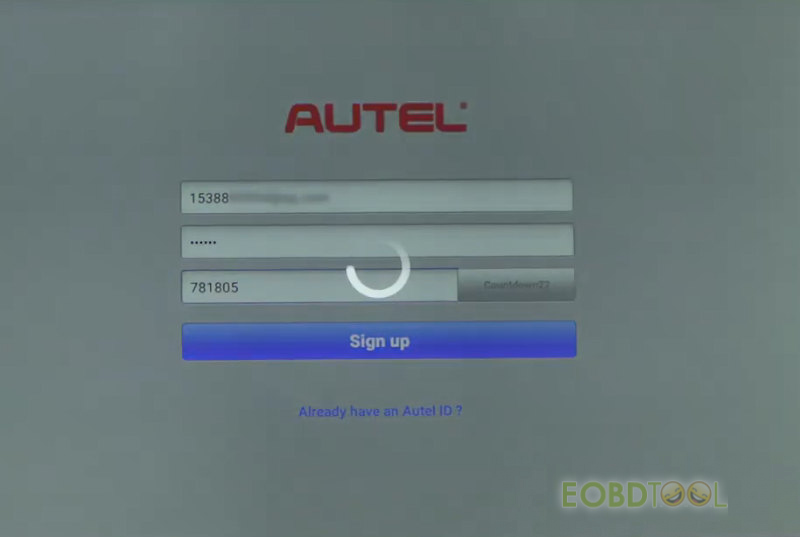
Create Autel account successfully, then go to register MK906PRO with the product SN
The SN and password will show automatically, just tap ‘Register’ directly
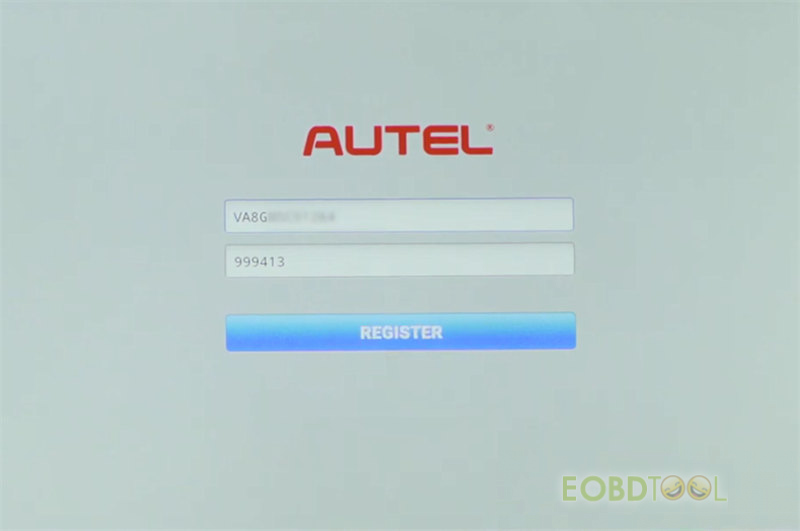
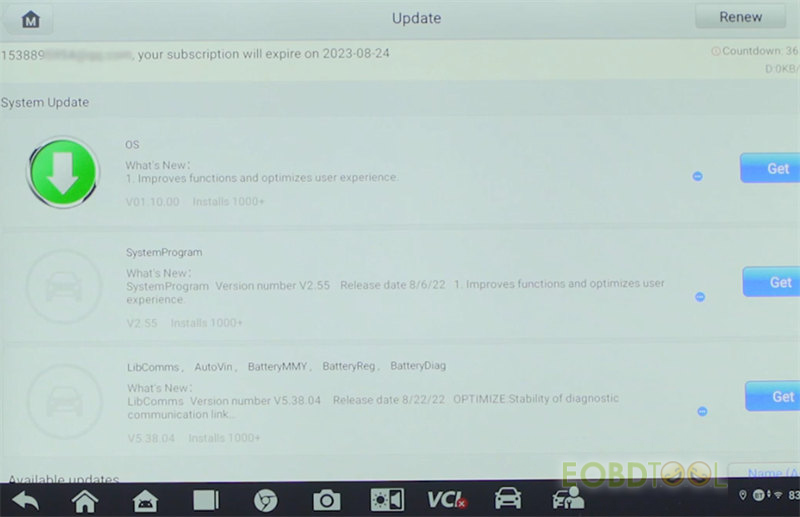
Back to main menu and select Update
Update the corresponding software by clicking ‘Get’
Autel MaxiCOM MK906PRO Bi-Directional Car Diagnostic Tool:
https://www.eobdtool.co.uk/wholesale/autel-maxicom-mk906pro.html